Connection Pooling for AI Agent Tool Integrations: Why Your Agents Create a Connection Storm on Every Burst
Each agent tool call opens a fresh TCP connection, negotiates TLS, authenticates, executes, and tears down. Under burst load, your agent fleet creates thousands of ephemeral connections that overwhelm downstream services -- and connection pooling is the fix nobody implements.
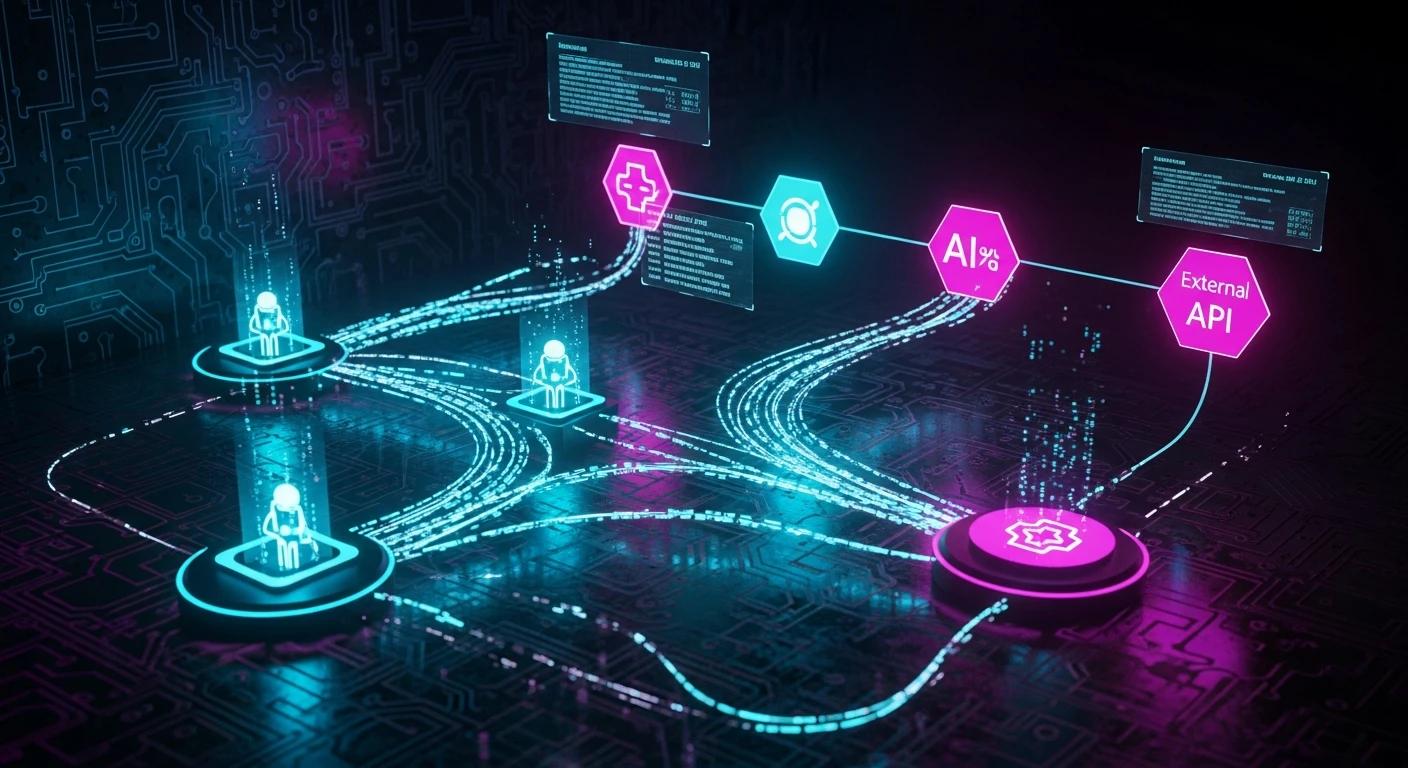
The Connection Storm Problem
Here is what happens when your AI agent fleet processes a burst of concurrent requests:
Agent A needs to call your CRM API. It opens a TCP connection (50-100ms), negotiates TLS (another 50-150ms), authenticates via OAuth token exchange (100-300ms), sends the request, gets the response, and closes the connection. Total overhead per call: 200-550ms before the actual API call even executes.
Now multiply by 50 concurrent agents, each making 3-5 tool calls per task. That is 150-250 simultaneous connections to the same downstream service. Each one paying the full setup cost. Each one consuming a socket on the target server. Each one counting against your API rate limit.
This is not a theoretical problem. It is what happens in every production agent system that treats tool calls as stateless HTTP requests -- which is how every framework implements them by default.
The downstream service sees a thundering herd. Its connection pool (ironically, the server has one even if your agents do not) fills up. Requests start queuing. Timeouts cascade. Your agents retry, creating more connections, worsening the storm. The circuit breaker trips and now all your agents are degraded, not just the ones that triggered the overload.
Why Agent Frameworks Ignore Connection Management
Traditional agent frameworks -- LangChain, CrewAI, AutoGen -- treat tool calls as pure functions. You define a tool, the framework serializes the arguments, calls your function, and returns the result. What happens inside that function is your problem.
This abstraction makes sense for demos and prototypes. It makes no sense for production systems handling real traffic. The framework does not know (or care) that your search_crm tool and your update_crm tool both hit the same downstream service. It cannot share connections between them. It cannot throttle concurrent connections. It cannot reuse authenticated sessions.
The result is that every production agent system eventually builds connection management as an afterthought -- bolted on after the first production incident where a downstream API started returning 503s under load.
The Pool Architecture for Agent Tool Calls
Connection pooling for agent systems is architecturally distinct from traditional connection pooling (like database connection pools) because of three unique constraints:
1. Multi-destination pooling. A database pool manages connections to one endpoint. Agent tool pools must manage connections to dozens of distinct services -- your CRM, email provider, vector store, code execution sandbox, web search API, and whatever else your agents integrate with. Each destination has different connection limits, authentication mechanisms, and timeout characteristics.
2. Authentication-aware pooling. Many agent tool calls require per-tenant or per-user authentication. A connection authenticated as User A cannot be reused for User B's request. The pool must maintain authentication affinity while still maximizing reuse within the same auth context. This is where tenant isolation patterns intersect with connection management.
3. Burst-tolerant sizing. Agent workloads are inherently bursty. A single user prompt can trigger 10-15 tool calls in rapid succession. Traditional pools are sized for steady-state load with modest headroom. Agent pools must handle 10x burst multipliers without either dropping requests or pre-allocating resources that sit idle 90% of the time.
The architecture that handles all three constraints looks like this:
Agent Fleet --> Connection Pool Manager --> Per-Destination Pools --> Downstream Services
                    |                            |
              Auth Registry              Pool Metrics / Backpressure
The Connection Pool Manager maintains separate pools per destination, each configured with destination-specific limits. The Auth Registry maps auth contexts to reusable sessions. Pool metrics feed back into the agent orchestrator to apply backpressure when pools saturate.
Implementation Patterns
Pattern 1: Sidecar Pool Proxy
Deploy a connection pool as a sidecar alongside each agent instance. The agent's tool calls route through the sidecar, which manages persistent connections to downstream services.
Advantages: Simple deployment, per-agent isolation, no shared state. Disadvantages: No connection sharing across agents, higher total connection count.
Best for: Small agent fleets (fewer than 20 concurrent agents) with diverse tool sets.
Pattern 2: Centralized Pool Service
Deploy a shared connection pool service that all agents route through. The pool service maintains a global view of connection utilization and can enforce system-wide limits.
Advantages: Maximum connection reuse, global rate limiting, single point of observability. Disadvantages: Single point of failure, added network hop, requires careful capacity planning.
Best for: Large agent fleets hitting shared downstream services with strict rate limits.
Pattern 3: Hierarchical Pools
Each agent maintains a small local pool (2-3 connections per destination). A shared overflow pool handles burst capacity. When local pools are exhausted, requests overflow to the shared pool.
Advantages: Low-latency for common paths, burst tolerance, graceful degradation. Disadvantages: Complex to implement, requires coordination between local and shared pools.
Best for: Production systems where both latency and burst handling matter. This is what we recommend for most enterprise deployments.
Configuration That Matters
The specific numbers depend on your workload, but these are the parameters that differentiate "works in staging" from "survives production":
Max connections per destination: Set this to your downstream service's documented concurrent connection limit divided by 0.7 (leave 30% headroom for non-agent traffic). If the downstream has no documented limit, start at 50 and monitor.
Connection TTL: Keep connections alive for 30-60 seconds of idle time. Longer TTLs waste resources on connections that will never be reused. Shorter TTLs lose the pooling benefit entirely.
Health check interval: Probe pooled connections every 10 seconds. Dead connections in the pool are worse than no pool -- they add latency from the failed attempt before falling back to a new connection.
Queue depth on pool exhaustion: When all connections are in use, queue up to 2x the pool size before rejecting. Beyond that, you are masking a capacity problem. Implement backpressure signaling to tell the agent orchestrator to slow down.
Warm-up on cold start: Pre-establish 25% of max connections on service startup. Cold pools under burst load create exactly the connection storm you are trying to prevent.
Observability for Connection Pools
The metrics that tell you whether your pool is working:
- Pool utilization by destination: What percentage of connections are active vs idle? Sustained utilization above 80% means you need more capacity or better backpressure.
- Connection wait time: How long do tool calls wait for an available connection? This directly adds to your agent's latency budget.
- Connection creation rate: A high creation rate means your pool is too small or your TTL is too short. Pooling is working when creation rate is near zero during steady state.
- Eviction rate: How often are idle connections being closed? Some eviction is healthy. High eviction with high creation means your idle timeout is too aggressive.
- Auth refresh rate: How often do pooled connections need re-authentication? If auth tokens expire faster than your pool TTL, you are paying auth overhead on reused connections anyway.
Feed these metrics into your observability stack alongside agent-level telemetry. A spike in connection wait time is often the first signal of a downstream degradation -- visible minutes before the actual 503s start.
The Economics of Connection Pooling
For a mid-size agent deployment (100 concurrent agents, 5 downstream services, 3-5 tool calls per task):
Without pooling:
- Connection setup overhead: ~300ms x 400 calls/minute = 2 minutes of pure overhead per minute of operation
- Downstream connection count: 400+ concurrent
- Rate limit violations: frequent
- P99 tool call latency: 800-1200ms
With hierarchical pooling:
- Connection setup overhead: ~300ms x 20 new connections/minute = 6 seconds of overhead per minute
- Downstream connection count: 40-60 persistent
- Rate limit violations: rare
- P99 tool call latency: 200-400ms
That is a 3-4x latency improvement on tool calls, which directly translates to faster agent task completion and lower token costs (since many LLM APIs charge for wait time during tool call execution).
Getting Started
If you are running agents in production without connection pooling, you are already paying the cost. The fix does not require rewriting your agent framework:
- Instrument your current tool calls to measure connection creation rate and overhead
- Identify your top 3 downstream services by call volume
- Deploy a sidecar pool for those 3 services (start simple)
- Monitor pool utilization and tune from there
- Graduate to hierarchical pools when you outgrow sidecar capacity
Connection pooling is not glamorous. It will never be a conference talk. But for production agent systems, it is the difference between a system that works at demo scale and one that survives real traffic. Every production-grade agent platform implements it. The question is whether you implement it before or after your first connection storm incident.
Founder & Principal Architect
Ready to explore AI for your organization?
Schedule a free consultation to discuss your AI goals and challenges.
Book Free Consultation